Deploying a Process
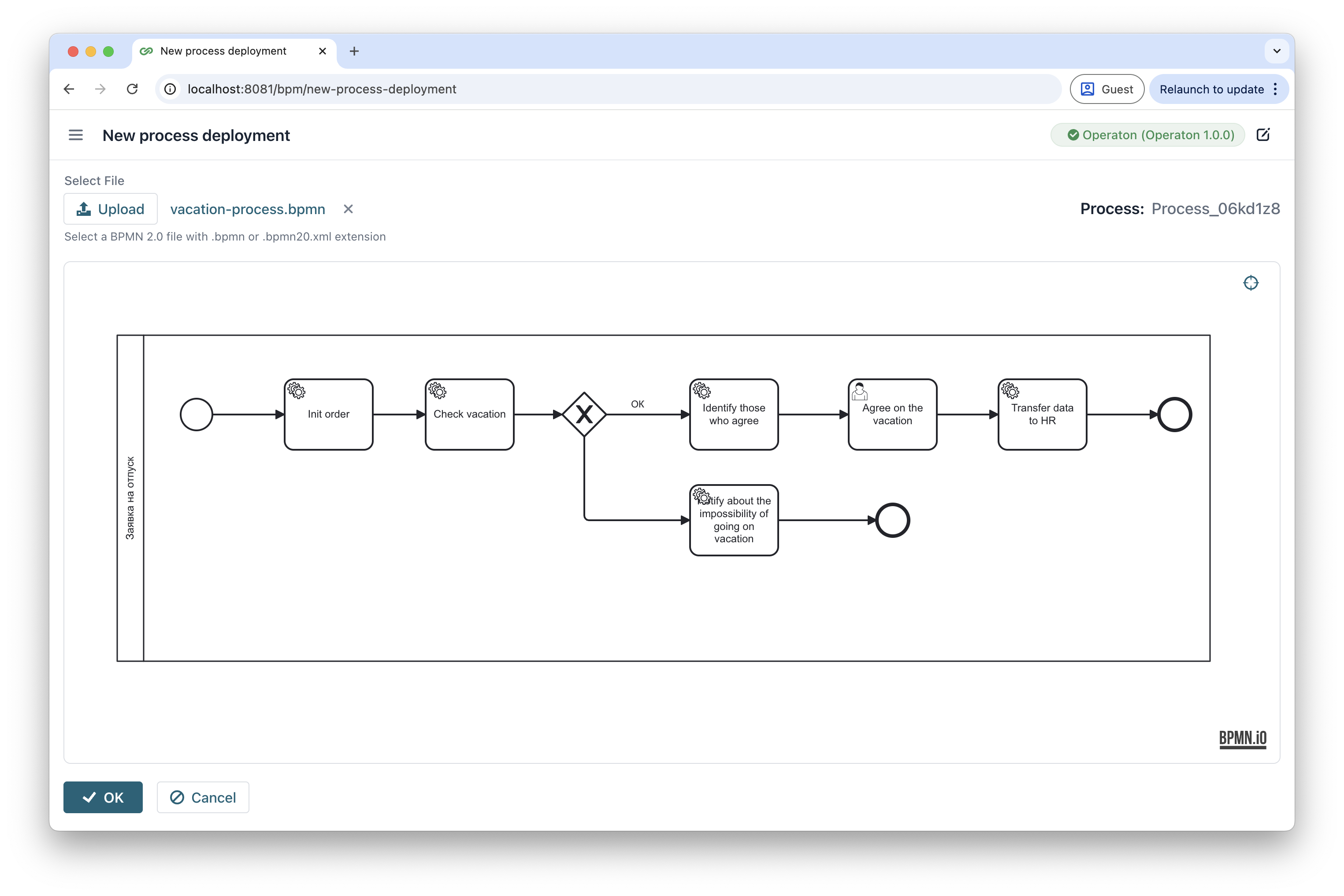
You can deploy a new process, or a new version of an existing one, to the connected engine directly from Control. Deployed processes appear in the Processes view, and the deployment record appears in the Deployments view.
You can deploy a new process, or a new version of an existing one, to the connected engine directly from Control. Deployed processes appear in the Processes view, and the deployment record appears in the Deployments view.