User Tasks
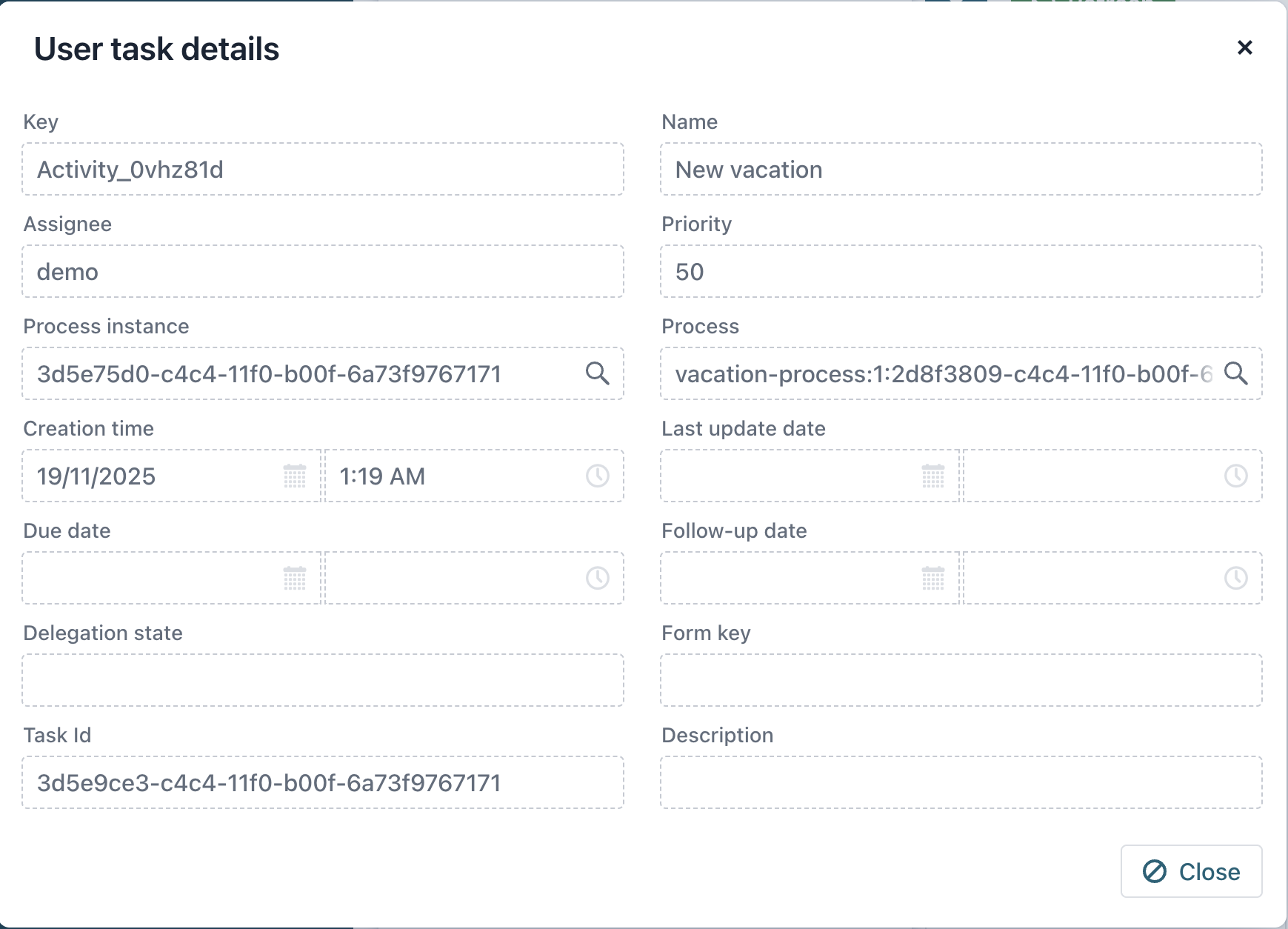
The User tasks view allows administrators to monitor and manage all tasks associated with the selected BPM engine.
User Tasks List
To view active user tasks, select User tasks from the application menu.
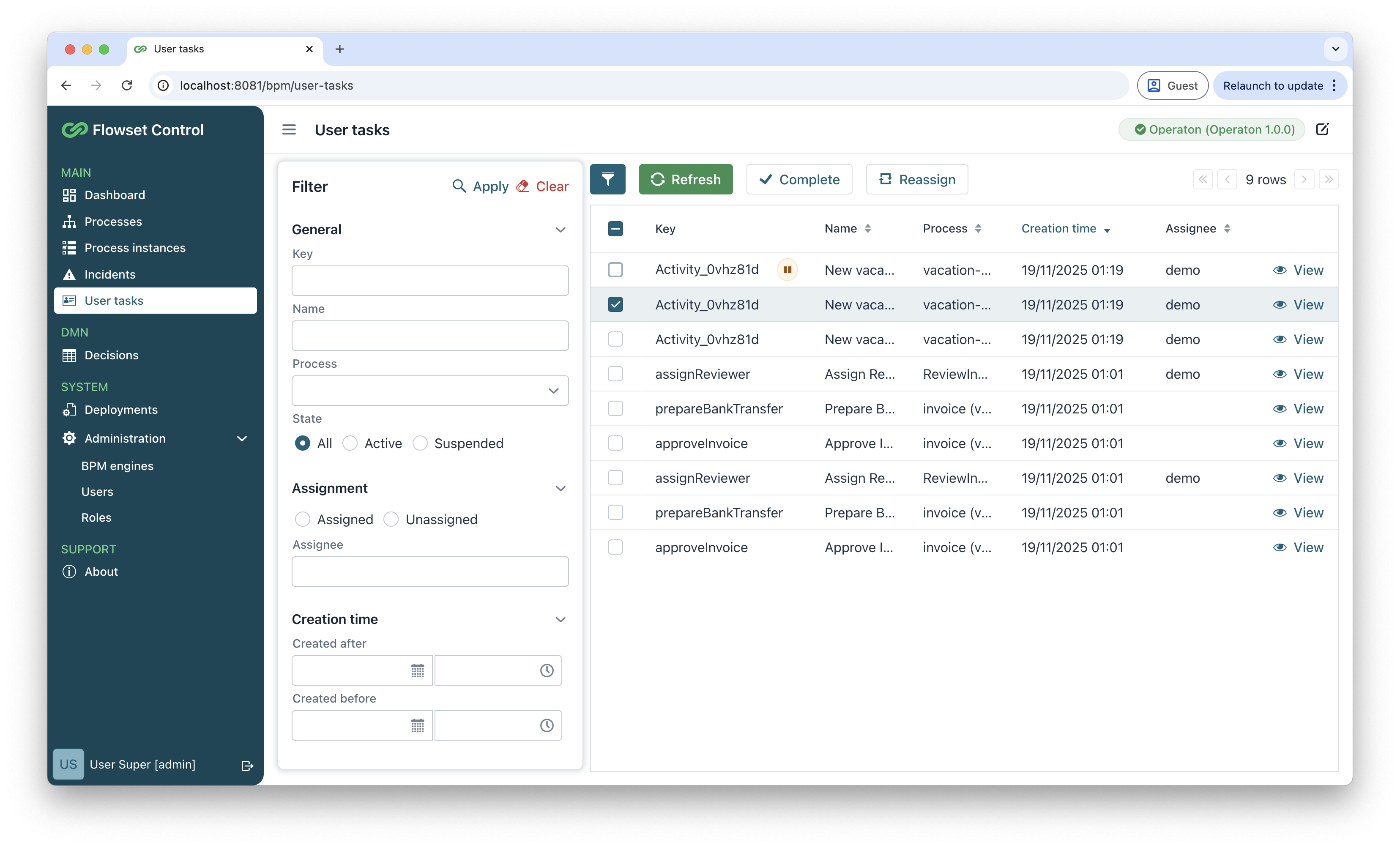
The system displays tasks in a sortable and filterable table format with the following information for each task:
-
Key - unique system identifier
-
Name - human-readable description
-
Process - parent process information
-
Creation time - task creation timestamp
-
Assignee - currently responsible user
Advanced Filtering Capabilities
Administrators can refine the task list using multiple filter criteria:
-
By business key
-
By task name
-
By process definition
-
By task state (active, suspended, or all tasks)
-
By current assignee
-
By creation date range
Task Operations
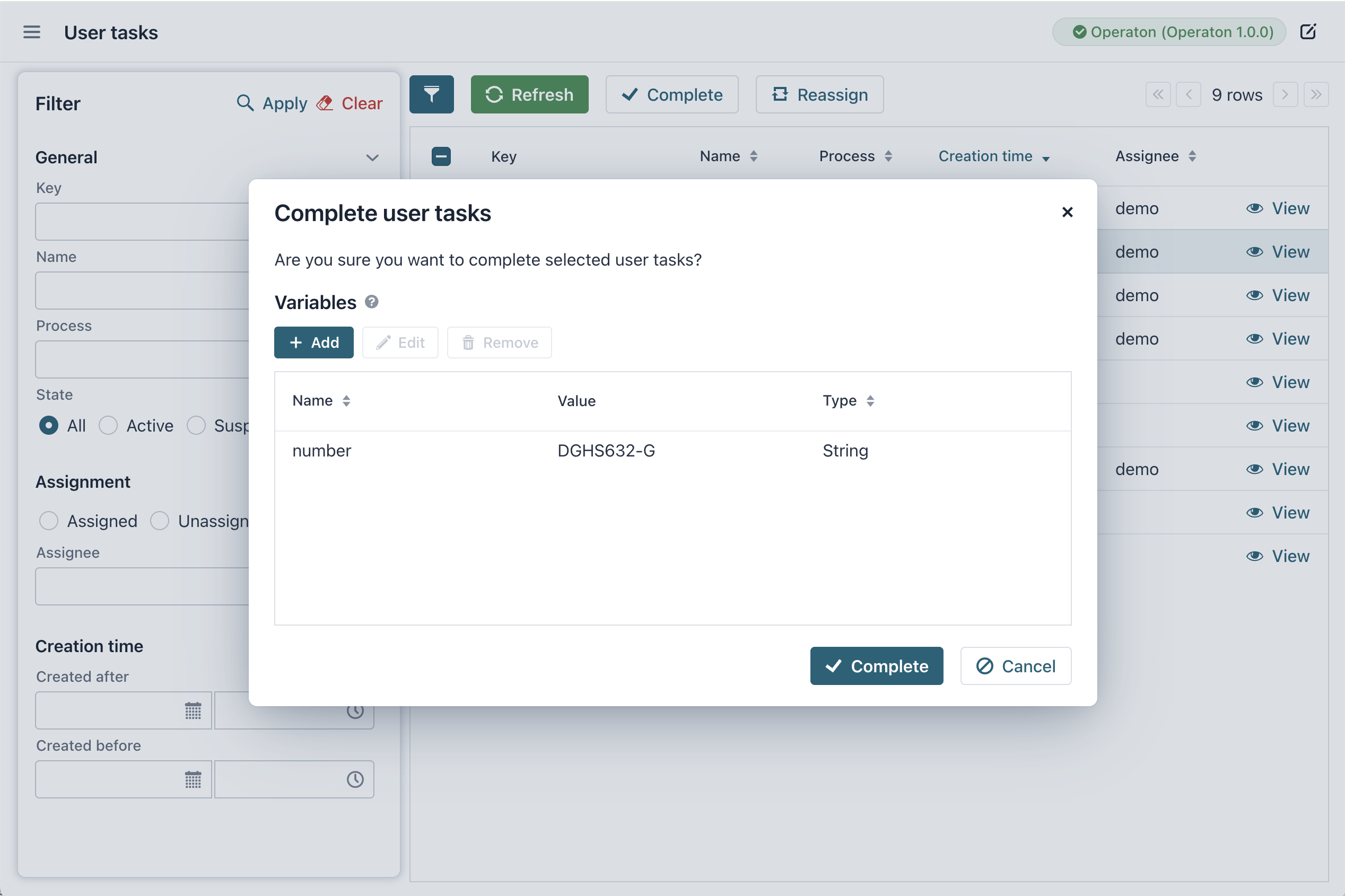
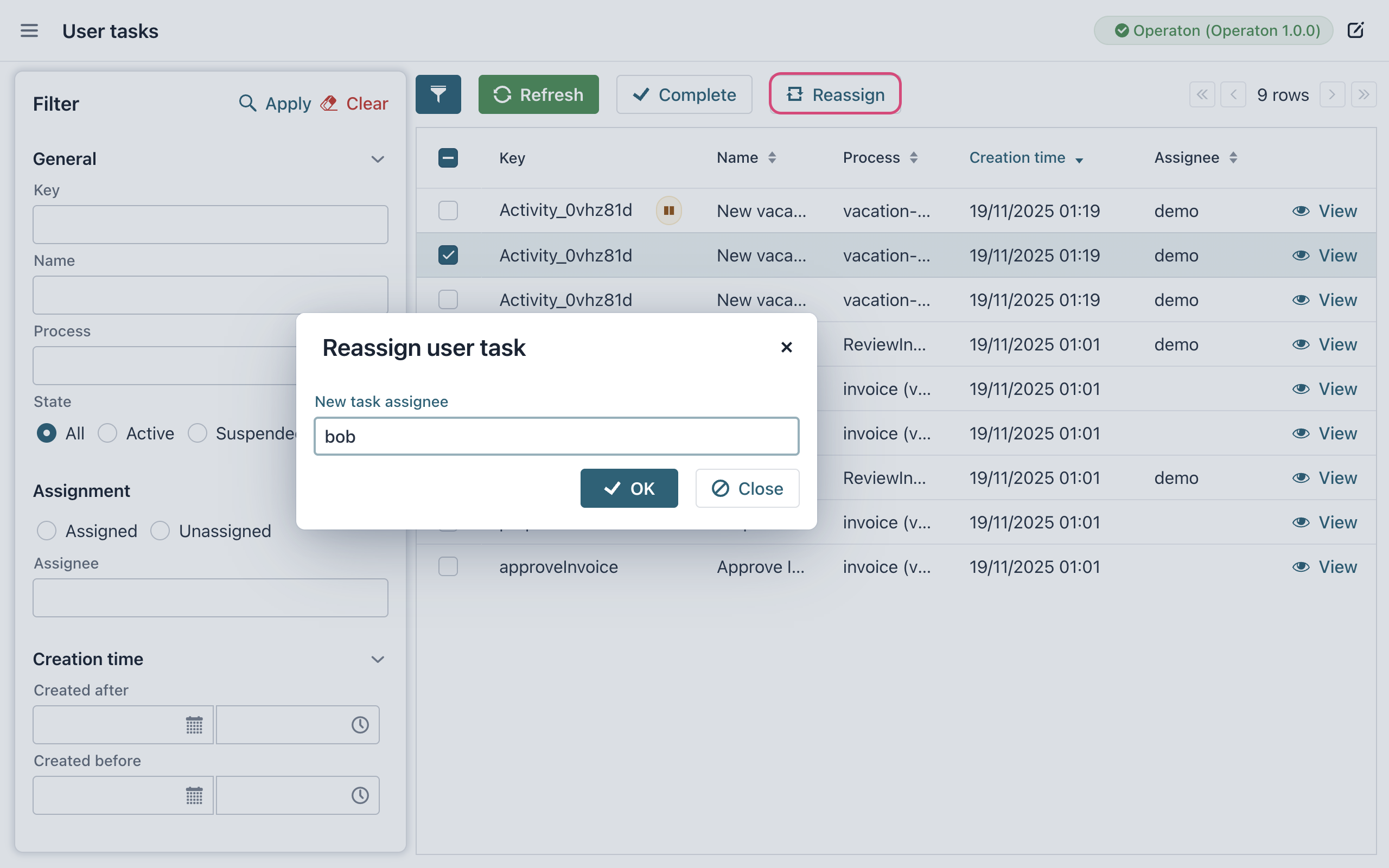
For tasks that are not suspended, you have the option to complete them or reassign them.