Deployments
Flowset Control enables administrators to view and manage deployments containing process definitions, decision tables, and other resources. All deployments are displayed in a sortable, filterable list within the Deployments view.
Deployment List
The deployment list view displays all deployments currently present in the system in a table format:
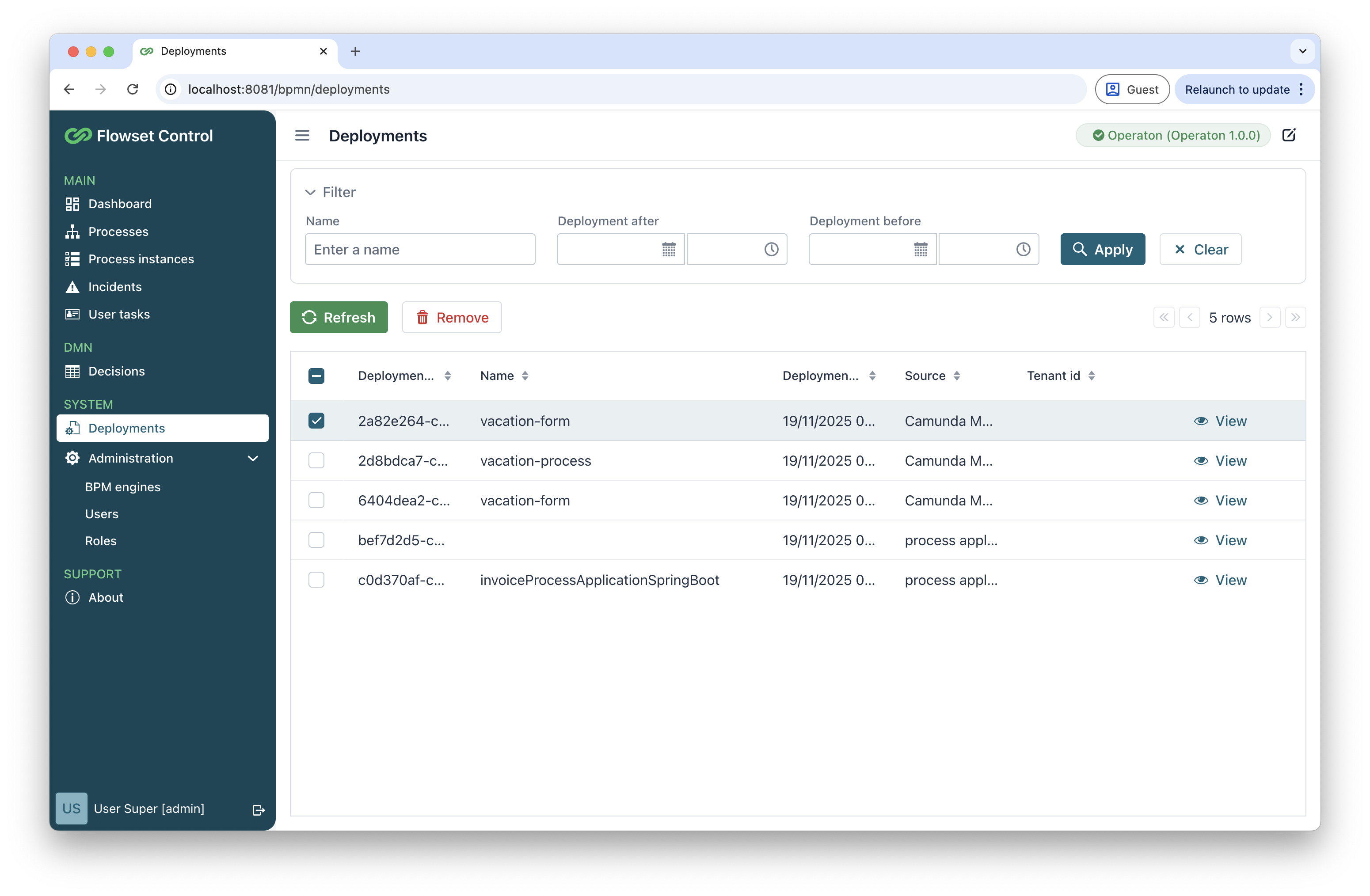
Use the search field to find deployments by name, or date.
The following actions are available:
| Action | Description |
|---|---|
Refresh |
Reloads the current deployment list from the connected BPM engine. |
Remove |
Deletes the selected deployment. A confirmation dialog appears with the following options:
Once confirmed, the deployment is permanently removed. |
View |
Displays detailed deployment information. See Viewing Deployment Details. |
Viewing Deployment Details
To inspect the contents of a deployment, select the View action from the deployment list. This opens a dedicated details view organized into two main panels.

Metadata Panel
The left panel displays essential information about the deployment:
-
Deployment id - the unique identifier assigned by the system.
-
Name - the human-readable name of the deployment.
-
Deployment time - the exact date and timestamp when the deployment was created.
-
Source - indicates the origin of the deployment. For example:
-
process applicationfor deployments created during application startup. -
Flowset Controlfor deployments uploaded directly through Flowset Control.
-
-
Tenant id - the tenant identifier associated with the deployment.
Below the metadata, the left panel also lists all deployment resources, including:
-
Process definitions
-
Decision tables
-
Other supported resources
Resource Preview Panel
The right panel dynamically displays a preview of the selected resource from the list. For files with visual components, like BPMN process diagrams or DMN decision tables, the system renders a graphical preview alongside the technical metadata.
Using the Download button, you can retrieve individual resource files (BPMN, DMN, and so on).
Depending on the resource type, the panel contains either two or three tabs.
View Tab
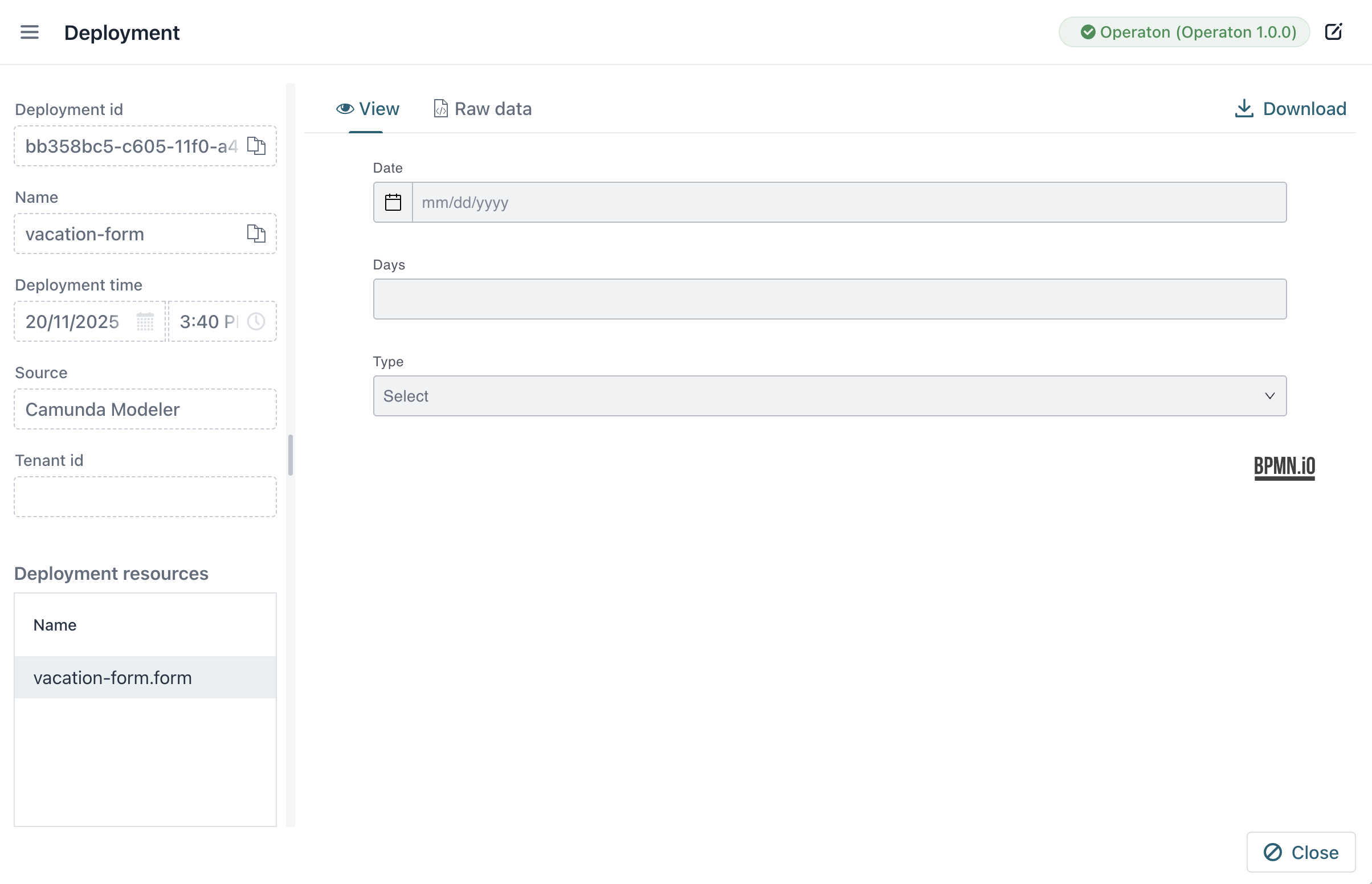
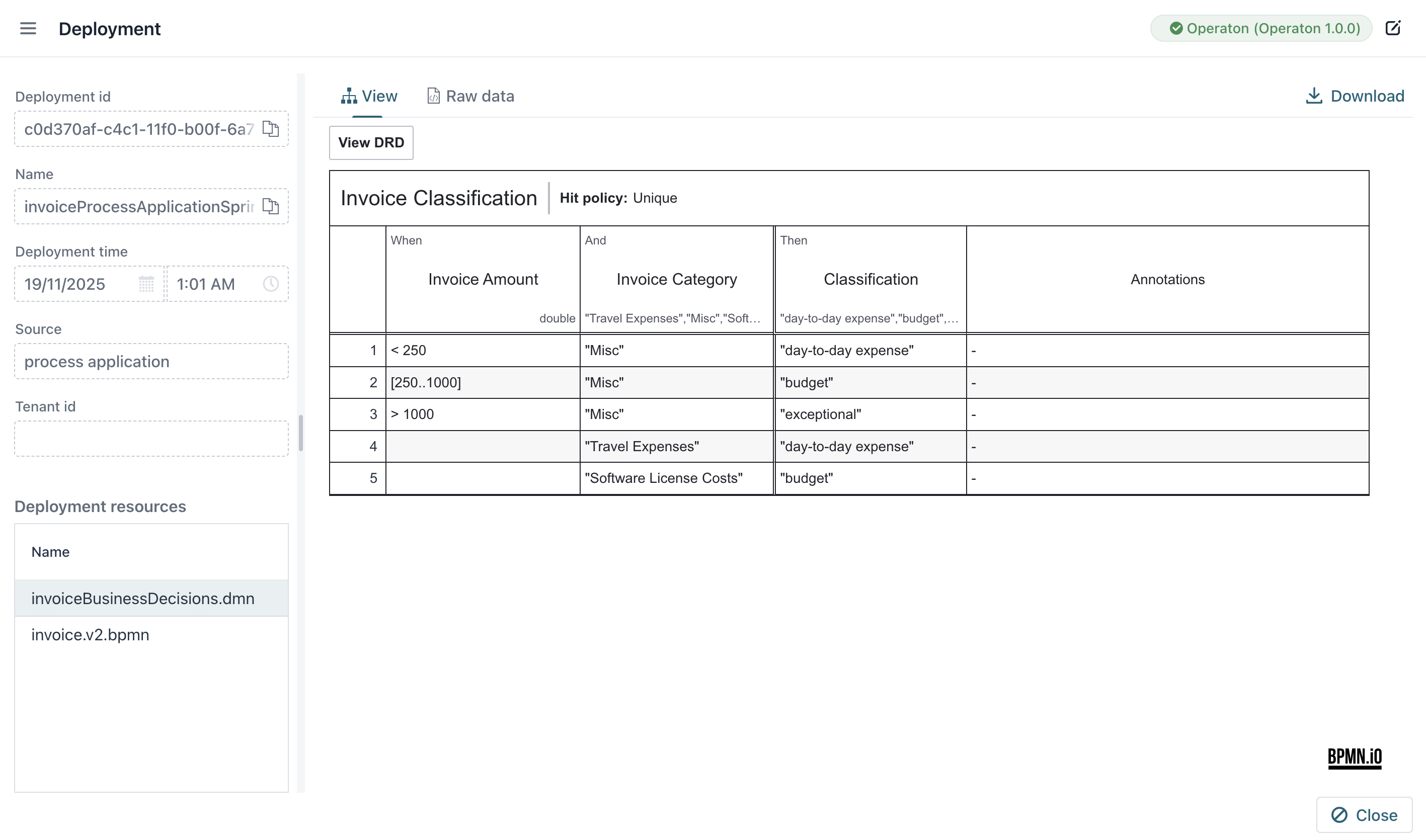
This tab provides a visual representation of the resource. For example:
-
Forms: Renders the form’s UI layout as it would appear to users.
-
DMN Decision Tables: Displays the DRD. Click any node in the DRD to open the corresponding DMN decision table in a detailed view.
Raw Tab
Shows the raw source code of the resource:
-
For DMN/BPMN files: displays the XML source.
-
For scripts/forms: shows the original text-based content.
Running Instances Tab (BPMN Only)
For BPMN process resource, this tab displays a table of active process instances launched from this definition.
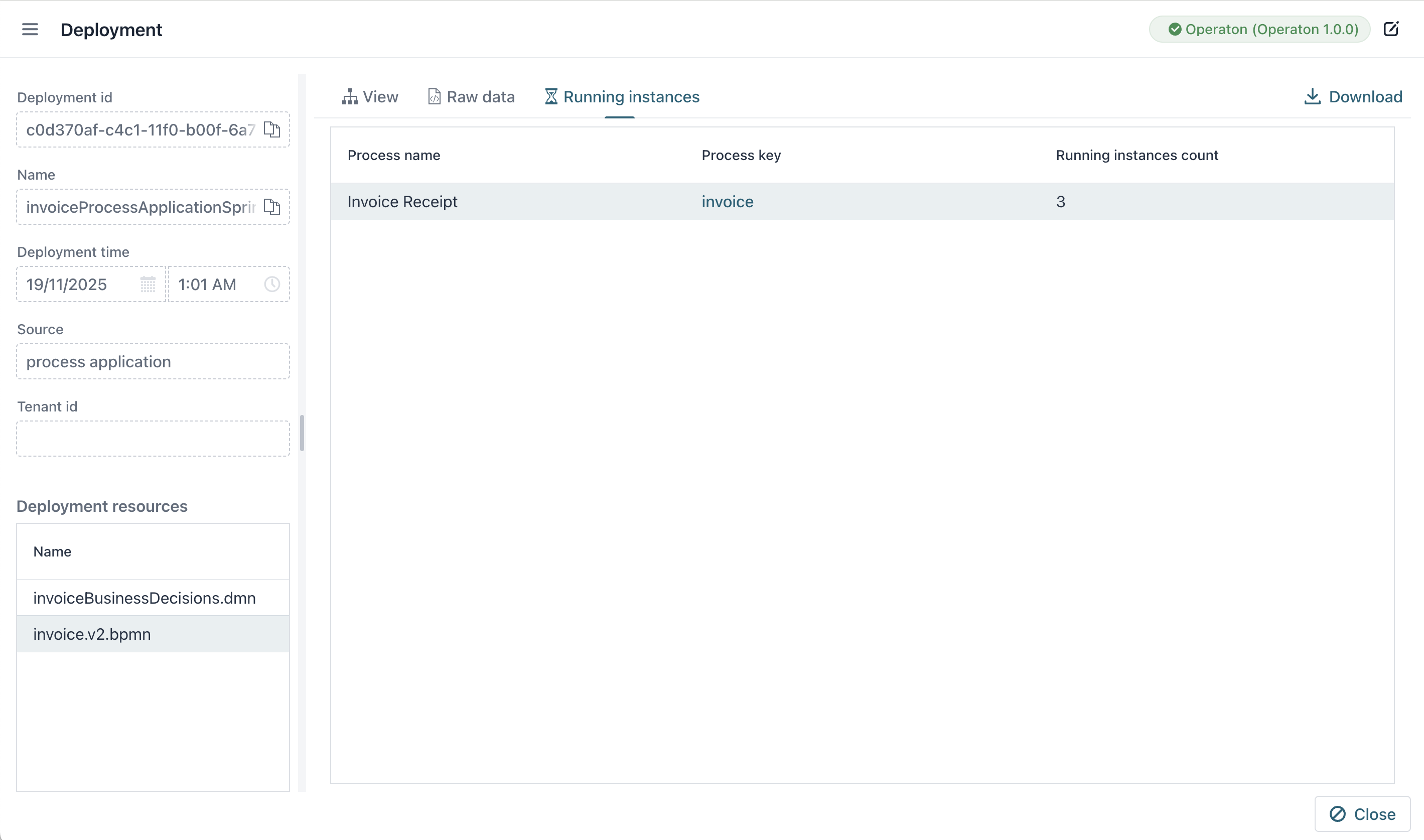
The Process key column contains a links to Process Instance Details.